
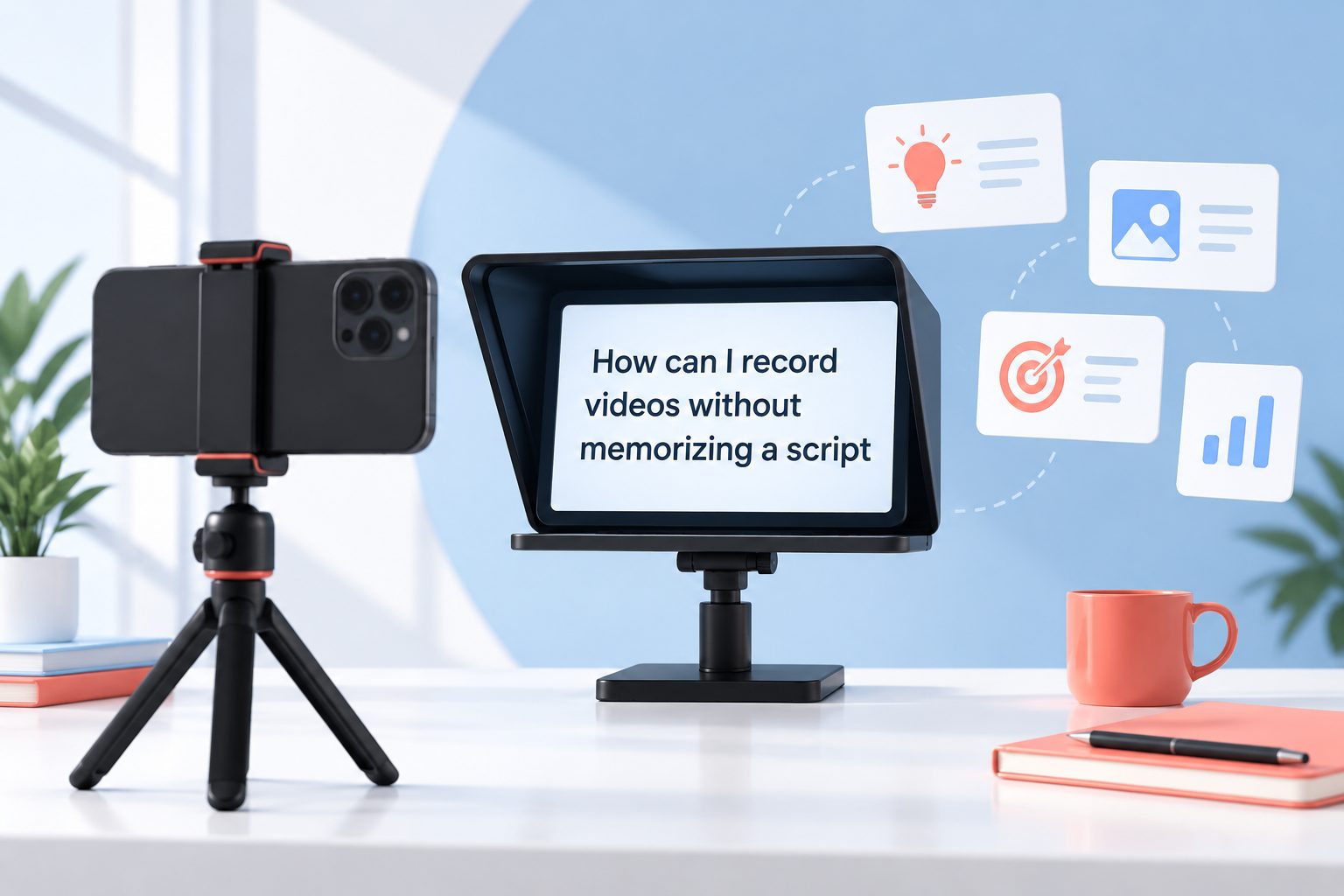
Recording videos without memorizing a script is easier when you treat your message as a conversation instead of a performance. Many creators freeze because they try to repeat perfect sentences, which makes their delivery sound stiff and increases pressure.
A better approach is to prepare ideas, prompts, and a simple structure. You still know what you want to say, but you can use your natural language, adjust to the moment, and recover smoothly if you lose your place.
This guide explains how to plan, record, and improve unscripted videos. You will learn practical methods for speaking clearly, staying focused, using notes effectively, and creating confident videos without relying on word-for-word memorization.
A script is useful when every word must be exact, but it is not the only way to be prepared. Most helpful videos need clear ideas more than perfect phrasing.
Memorization often causes creators to focus inward. Instead of listening to their own message, they worry about the next sentence, their facial expression, or whether they made a mistake.
Talking from an outline gives you room to sound human. Small pauses, personal examples, and natural wording usually make a video easier for viewers to trust.
The goal is not to improvise everything. The goal is to prepare enough that you can explain one useful idea at a time without reading or reciting.
With repeated practice, your notes become shorter, your delivery becomes calmer, and recording feels closer to explaining something to one person than delivering a speech.
How Can You Plan Videos Without A Full Script?
1. Start With One Clear Outcome
Decide what the viewer should know, feel, or do after watching. A single outcome prevents your video from becoming a collection of loosely connected thoughts. For example, aim to teach one camera setup, explain one product feature, or answer one common question.
2. Create A Simple Three-Part Outline
Use a beginning, middle, and ending. Open by naming the problem or promise, explain the key points in the middle, and close by summarizing the next action. This familiar structure keeps your video organized even when your exact words change.
3. Write Prompts Instead Of Sentences
Replace long script lines with short prompts such as problem, example, mistake, solution, and takeaway. Prompts remind you what to cover without forcing specific language. Keep them visible beside the camera, on paper, or in a large-font note.
4. Put Ideas In A Logical Order
Arrange your talking points in the order a beginner would need them. Explain context before instructions, causes before solutions, and basic steps before advanced advice. A logical sequence reduces the chance of forgetting something because each point naturally leads to the next.
5. Add A Personal Example
Choose one real situation that illustrates your main point. A short story gives your video direction and makes abstract advice easier to remember while recording. It also creates a natural bridge between sections when you need a moment to gather your thoughts.
6. Prepare Your Opening And Closing
You may write the first and final lines more carefully while leaving the middle flexible. A confident opening helps you begin without hesitation, and a planned closing stops the video from fading out. These are the only parts many creators benefit from rehearsing closely.
7. Rehearse The Ideas Out Loud
Before turning on the camera, explain your outline aloud as if you were speaking to a friend. Notice where you hesitate or over-explain, then simplify the prompts. This rehearsal builds familiarity with the material without turning it into a memorization exercise.
What Tools Help You Speak Naturally On Camera?
1. Use a short outline on a phone, tablet, or printed card placed close to the lens so your eyes do not wander far from the viewer.
2. Set a timer for each main point to prevent long explanations and give yourself a gentle pacing target.
3. Record in short sections rather than trying to capture an entire video in one take. You can pause, review, and continue.
4. Use a teleprompter only for keywords or brief phrases if reading full text makes your delivery sound unnatural.
5. Keep a glass of water nearby and take a short breath before each segment to reduce rushed speech.
6. Use simple editing software to remove pauses, repeated phrases, and restarts instead of demanding perfection during filming.
7. Wear headphones when needed to check audio quality, because clear sound helps viewers focus on your message even when your delivery is conversational.
Benefits Of Recording Without Script Memorization
- More Natural Delivery: You can speak in your own voice rather than trying to recreate written language exactly.
- Less Recording Pressure: A missed phrase no longer ruins the take because you can restate the idea and keep moving.
- Faster Preparation: Building a focused outline often takes less time than writing, editing, and memorizing a complete script.
- Better Audience Connection: Natural reactions and personal examples can make viewers feel that you are speaking directly to them.
- Easier Updates: You can adjust your examples, wording, or advice when new information appears without rewriting everything.
- Stronger Speaking Skills: Regular outline-based recording improves your ability to explain ideas clearly in meetings, interviews, and live conversations.
- More Flexible Editing: Short, self-contained segments make it easier to rearrange sections or remove an unnecessary point later.
How Do You Record Confidently Without A Script?
1. Talk To One Specific Viewer
Picture one person who needs your advice instead of imagining a large audience. This changes your tone from formal performance to useful conversation. Speak as though you are answering that person’s question across a table, with simple words and direct examples.
2. Record In Small Segments
Film one idea at a time, then pause before moving to the next prompt. Segment recording lowers the cost of mistakes because you only redo a few sentences. It also gives you natural edit points and prevents fatigue from building during a long take.
3. Pause Before Important Ideas
A brief pause is not a failure. It gives you time to think and gives viewers time to process. When you pause before a key point, you sound more deliberate and can begin the next sentence with clarity rather than filling silence with rushed words.
4. Use The Restart Method
If you lose your thought, stop, breathe, and restart from the beginning of that one idea. Do not apologize repeatedly or try to rescue a confusing sentence. A clean restart is easier to edit and helps you maintain a calm, professional rhythm.
5. Keep Your Notes Minimal
Limit each talking point to a few words, not a paragraph. Detailed notes invite reading, while brief notes trigger your own explanation. If a prompt does not remind you what to say, revise the outline before recording rather than adding more text to it.
6. Review For Clarity Not Perfection
After recording, ask whether the viewer can follow the message and act on it. Do not reject a useful take because of a harmless pause, minor wording change, or natural expression. Viewers usually value clarity and energy more than flawless delivery.
7. Build Confidence Through Repetition
Your early videos may feel awkward because speaking to a lens is unfamiliar. Record regularly and review one improvement at a time, such as pacing, eye contact, or shorter explanations. Confidence grows from evidence that you can recover and still communicate well.
You do not need to memorize a complete script to make clear, useful videos. A strong outcome, a simple outline, and short prompts give you enough structure while leaving room for your natural voice.
Record in manageable sections, pause when you need to think, and restart individual points instead of judging an entire take. These habits reduce pressure and make editing simpler.
Focus on helping one viewer understand one idea. As you practice this approach, speaking on camera becomes less about remembering lines and more about sharing what you know.
The best unscripted videos are prepared, not improvised at random. Keep your structure simple, review for clarity, and let consistent practice make your delivery more comfortable.
FAQs About Recording Videos Without A Script
1. Can I Record A Video With Only Bullet Points?
Yes. Bullet points work well when they describe the main ideas in a logical order. Keep each point short enough to scan quickly, but specific enough to trigger your explanation. If you struggle with a point, add one example or transition phrase rather than writing a full script.
2. How Many Talking Points Should A Short Video Have?
For a short video, three to five talking points are usually enough. Include an opening, two or three useful ideas, and a closing takeaway. Fewer points allow you to explain each one clearly and reduce the chance that your message feels rushed or scattered.
3. Should I Use A Teleprompter If I Do Not Memorize?
You can use a teleprompter for prompts, headlines, or a carefully written opening. Avoid filling it with every sentence unless you can read naturally. Place short phrases on screen, glance at them briefly, and then explain the idea in your own words.
4. What Should I Do When I Forget My Next Point?
Pause, look at your outline, and restart from the beginning of the current idea. There is no need to keep talking through confusion. Short pauses and clean restarts are easy to remove during editing, and they help you maintain a clear message for viewers.
5. Is It Better To Film In One Take Or Several Clips?
Several clips are usually better for beginners and detailed educational videos. They reduce pressure, make retakes smaller, and provide natural edit points. One-take recording can work for short personal updates once you are comfortable speaking from a loose outline.
6. How Can I Stop Sounding Nervous On Camera?
Practice the outline aloud before recording, speak slightly slower than feels normal, and focus on one imagined viewer. Start with short videos so you can build confidence through repetition. Nervousness often decreases when you stop expecting a perfect first take and allow simple retakes.